This page demonstrates how Jupyter Book can display executable notebooks with code, equations, and visualizations.
import numpy as np
import matplotlib.pyplot as plt
Mathematical Equations
We will plot the equation
This text in this cell is written in Markdown, and the equation using LaTeX.
x = np.arange(0, 100)
y = x**2
Creating a visualization
The code below will create a plot when the book is built.
fig, ax = plt.subplots(figsize=(10, 6))
ax.plot(x, y, linewidth=2)
ax.set_xlabel('x', fontsize=12)
ax.set_ylabel('y', fontsize=12)
ax.set_title('Plot of y = x²', fontsize=14)
ax.grid(True, alpha=0.3)
plt.tight_layout()
plt.show()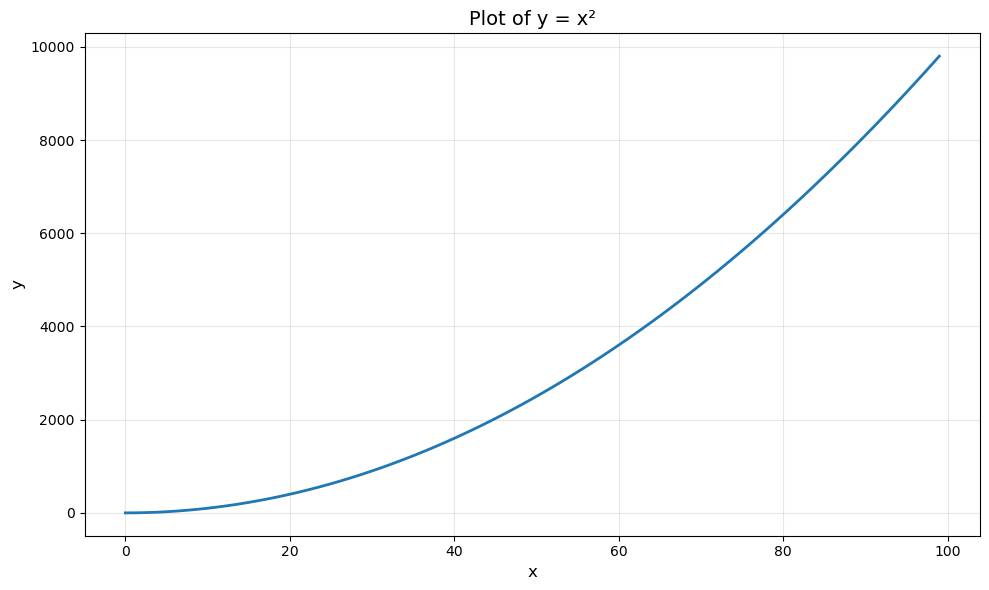
Summary
This demonstrates how Jupyter Book can:
Execute notebook cells during the build process
Display code, equations, and visualizations
Mix Markdown and executable Python code
Create a professional-looking book or website